Android
- Android 8.0 or later recommended
- Chrome 80+ or any modern Chromium-based browser
- PWA installation via 'Add to Home Screen' in browser menu
App at Jamslots in Australia: No Download Needed
The full Jamslots Casino experience on your phone or tablet: 1,000+ pokies, live Evolution Gaming dealer tables, AUD deposits and account management, all from a single home-screen shortcut with no app store download required.
Casino in Your Pocket
The full Jamslots Casino experience on your phone or tablet: 1,000+ pokies, live Evolution Gaming dealer tables, AUD deposits and account management, all from a single home-screen shortcut with no app store download required.
Get the App Play responsibly: gambling can become addictive. You must be 18 or older to play. Bonus offers are subject to their own terms.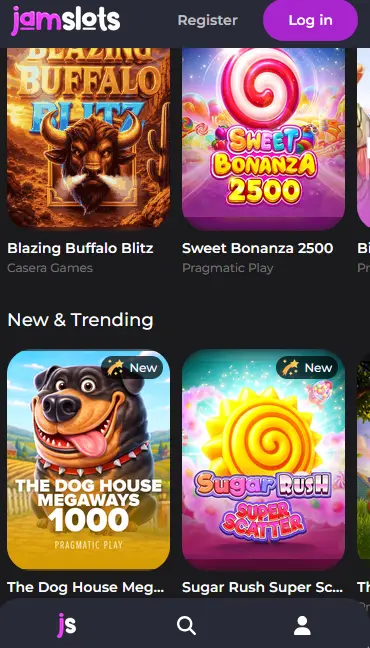
How to Install on Your Device
Mobile Security Practices
What You Should Do
What You Should Avoid
Mobile Experience Overview
Pros
Cons
Device Requirements
Android
iOS
What the Mobile Version Delivers
Full Catalogue on Mobile
Every pokie and live dealer table available on desktop is accessible through the mobile browser and the PWA shortcut, with the same betting limits and RTP figures.
Fast Loading, No Download
The Progressive Web App installs in seconds directly from your browser with no app store required, giving you a full-screen experience without taking up significant storage.
SSL Encryption on Every Connection
All sessions, whether over Wi-Fi or mobile data, are protected by SSL encryption. Two-factor authentication and biometric login are available for additional account security.
The Jamslots mobile experience delivers the same library and account functionality as the desktop site, formatted for portrait and landscape use on smartphones and tablets. There is no feature gap between the two versions.
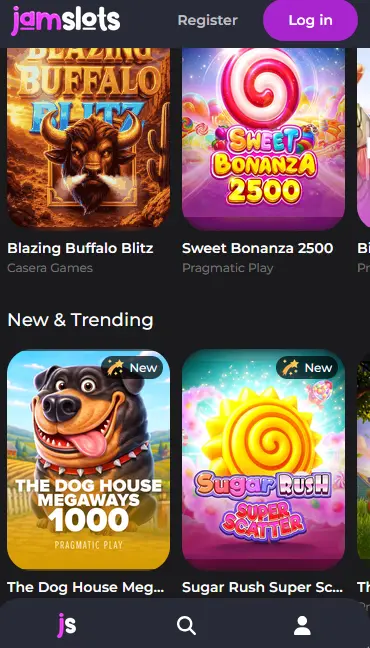
Every title in the Jamslots catalogue is playable through the mobile browser or the PWA shortcut. This includes Pragmatic Play pokies such as Sweet Bonanza 1000 and Gates of Olympus 1000, NetEnt classics including Starburst and Gonzo’s Quest, BGaming’s Jammin’ Jars, and the full suite of Evolution Gaming live dealer tables. Game information panels show RTP, volatility and minimum bet figures the same way as on desktop. The bonus-buy feature in applicable pokies is available, and progressive jackpot slots display their current jackpot amounts in real time.
The PWA shortcut removes the browser address bar and navigation controls, which gives a cleaner, full-screen presentation closer to a native app. Sessions started on the PWA persist between visits; you do not need to log in again each time unless your session has timed out. Push notifications, where the device and browser support them, can alert you to new promotions or account messages.
Installing Jamslots on your device requires only your existing browser. The steps differ slightly between Android and iOS.
Open Chrome on your Android device and go to jamslots.app. Once the page loads, tap the three-dot menu in the top-right corner. Select ‘Add to Home Screen’, give the shortcut a name if prompted, then tap ‘Add’. The Jamslots icon will appear on your home screen. Tap it to launch the PWA. If Chrome prompts you with an install banner at the bottom of the screen, you can also tap ‘Install’ directly from there. Android 8.0 or later gives you the best experience; older versions can still access the site via the browser but may not support all PWA features.
Open Safari on your iPhone or iPad and navigate to jamslots.app. Tap the Share icon at the bottom of the screen (the square with an upward arrow). Scroll through the options and select ‘Add to Home Screen’. Confirm by tapping ‘Add’ in the top-right corner of the prompt. The Jamslots shortcut now appears on your home screen. iOS 14.0 or later is recommended. Note that on iOS the PWA must be added through Safari; Chrome and Firefox on iOS do not currently support home-screen shortcut installation with full PWA capabilities.
If no native PWA prompt appears, you can still access Jamslots at full quality through your mobile browser. Bookmark the site for faster navigation, and check that your browser is updated to the most recent version to ensure all game features and payment flows work correctly.
The mobile catalogue mirrors the desktop library in full. All providers and all titles are available through the PWA and the mobile browser without any restriction.
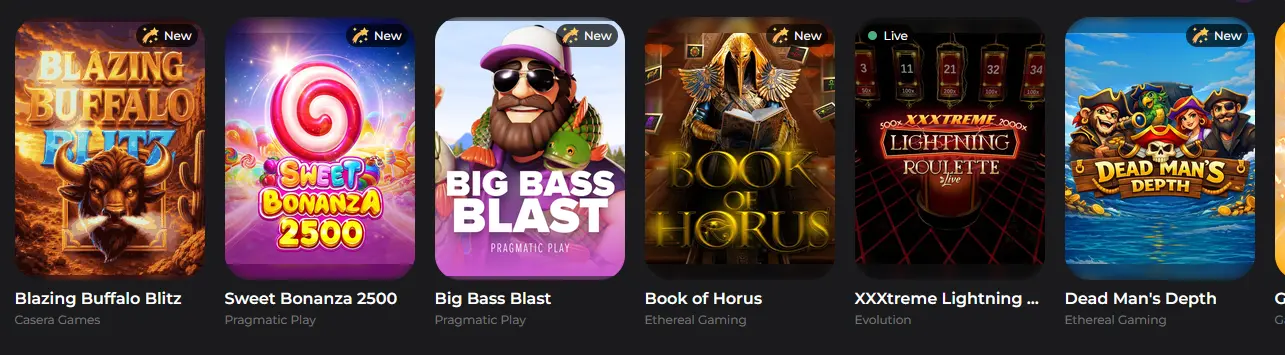
Pragmatic Play, BGaming, Blueprint Gaming and Nolimit City pokies load smoothly on mobile with touch controls replacing mouse interaction. High-volatility titles like Gates of Olympus 1000 (RTP 96.50%) and Jammin’ Jars (RTP 96.83%) display correctly on all screen sizes.
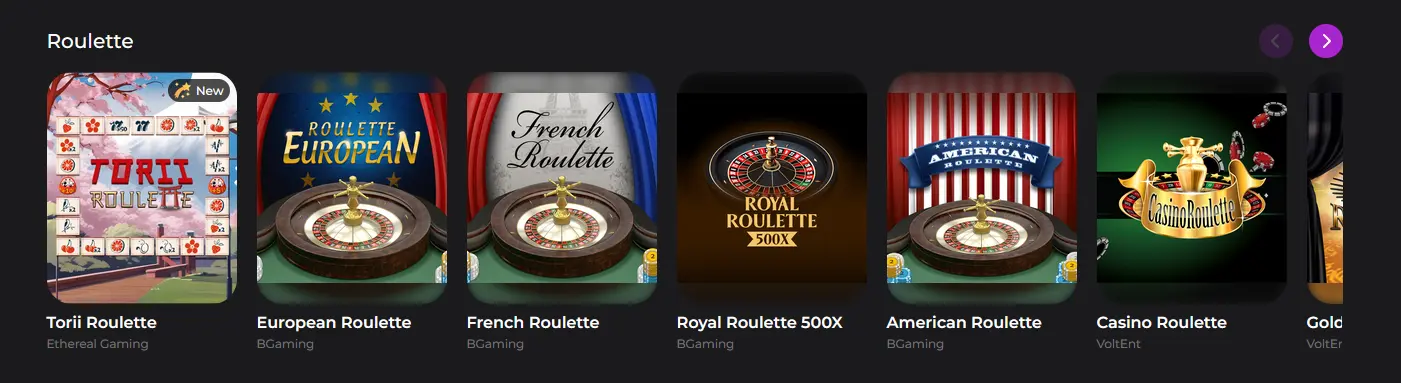
Evolution Gaming’s live dealer tables stream in real time to the mobile screen. Baccarat, blackjack, roulette and live poker formats are all available. Camera angles and bet placement controls are adapted for touch input.
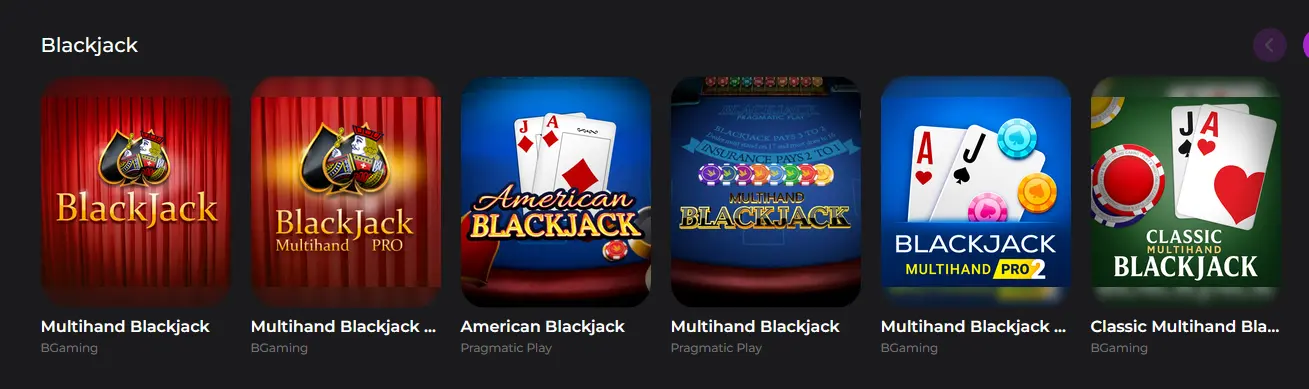
Standard and variant editions of blackjack, roulette and baccarat are available in non-live format for players who prefer faster-paced sessions without a live dealer.
Progressive jackpot slots display their current prize amounts in the mobile lobby. The jackpot mechanics and contribution rates are identical to the desktop version.
The Jamslots mobile platform applies the same security infrastructure as the desktop site.
Every connection between the device and the Jamslots servers is encrypted with SSL, covering login sessions, game data, deposit flows and withdrawal requests. This applies equally to Wi-Fi and mobile data connections.
Two-factor authentication can be activated in the account security settings. Once enabled, a six-digit code from an authenticator app is required at each login in addition to the password. This protects the account even if someone else obtains the password.
On devices that support fingerprint or facial recognition, the Jamslots PWA can use the browser’s biometric authentication prompt to verify login. This offers a faster sign-in method without reducing security.
New players register through the same form on mobile as on desktop. Tap the registration button, enter your name, email address and phone number, then confirm your email address via the verification link. Once verified, the account is active and you can make a first deposit to claim the welcome bonus.
Tap the login button in the top navigation of the PWA or mobile browser. Enter your registered email and password, then complete the 2FA step if you have it enabled. On a personal device, the browser can offer to autofill saved credentials to speed up the process. If you encounter any login issue, contact the support team or follow the guidance on the login page.
All payment methods available on desktop are accessible through the mobile cashier. These include Visa, Mastercard, Skrill, Neteller, Paysafecard, bank transfer, Bitcoin and Ethereum. Deposits are processed in AUD.
| Method | Deposit | Withdrawal |
|---|---|---|
| Visa / Mastercard | Instant | 3-5 business days |
| Skrill / Neteller | Instant | 1-2 hours |
| Bank Transfer | 1-3 business days | 3-5 business days |
| Bitcoin / Ethereum | Under 1 hour | Up to 24 hours |
Payment pages on the mobile version are encrypted with SSL and comply with the standards set by card networks. Withdrawals require completed identity verification before processing begins.
The Jamslots PWA works across the widest possible range of current Android and iOS devices.
Android 8.0 or later is the recommended minimum. Chrome 80 or a modern Chromium-based browser is required for PWA installation. Most current Android smartphones running stock or manufacturer Android will meet this threshold without any additional configuration.
iOS 14.0 or later is recommended. Safari must be used for home-screen shortcut installation. All game types, including live dealer tables from Evolution Gaming, are accessible through Safari on supported iOS versions.
| Feature | Android | iOS |
|---|---|---|
| OS Version | 8.0 or later | 14.0 or later |
| Browser | Chrome 80+ | Safari (latest) |
| PWA Install | Yes (Chrome) | Yes (Safari) |
| App Store | Not required | Not required |
The full welcome package is claimable through the mobile version. Deposit using Visa, Mastercard, Skrill, Neteller, bank transfer or cryptocurrency from the mobile cashier, activate the bonus at the deposit step, and the 100% match up to $200 and 50 free spins will be credited to your account. The 35x wagering requirement on bonus funds applies in the same way as on desktop. 18+ only. T&Cs apply. Full terms are on the bonus page.
Live chat is available through the PWA and mobile browser at any time. For queries that require documentation, email [email protected]. Both channels are monitored 24/7.
Deposit limits, session time reminders and self-exclusion options are accessible through the account settings on mobile. Players who want to discuss their play or set additional restrictions can contact the support team via live chat or email at any time. All players must be 18 or older to use the Jamslots platform.
App and Mobile Questions
There is no dedicated Jamslots app in Google Play or the App Store; the casino is delivered as a Progressive Web App that you install directly from your browser in a few seconds.
Android 8.0 or later with Chrome 80 or a modern Chromium-based browser is recommended for the best performance and PWA installation support.
Yes, the full cashier is available on mobile, and the 100% match welcome bonus and 50 free spins can be claimed directly from the Android or iOS PWA.
Install Jamslots on Your Phone
Grab 100% up to $200 and 50 free spins.
Play Now Play responsibly: gambling can become addictive. You must be 18 or older to play. Bonus offers are subject to their own terms.